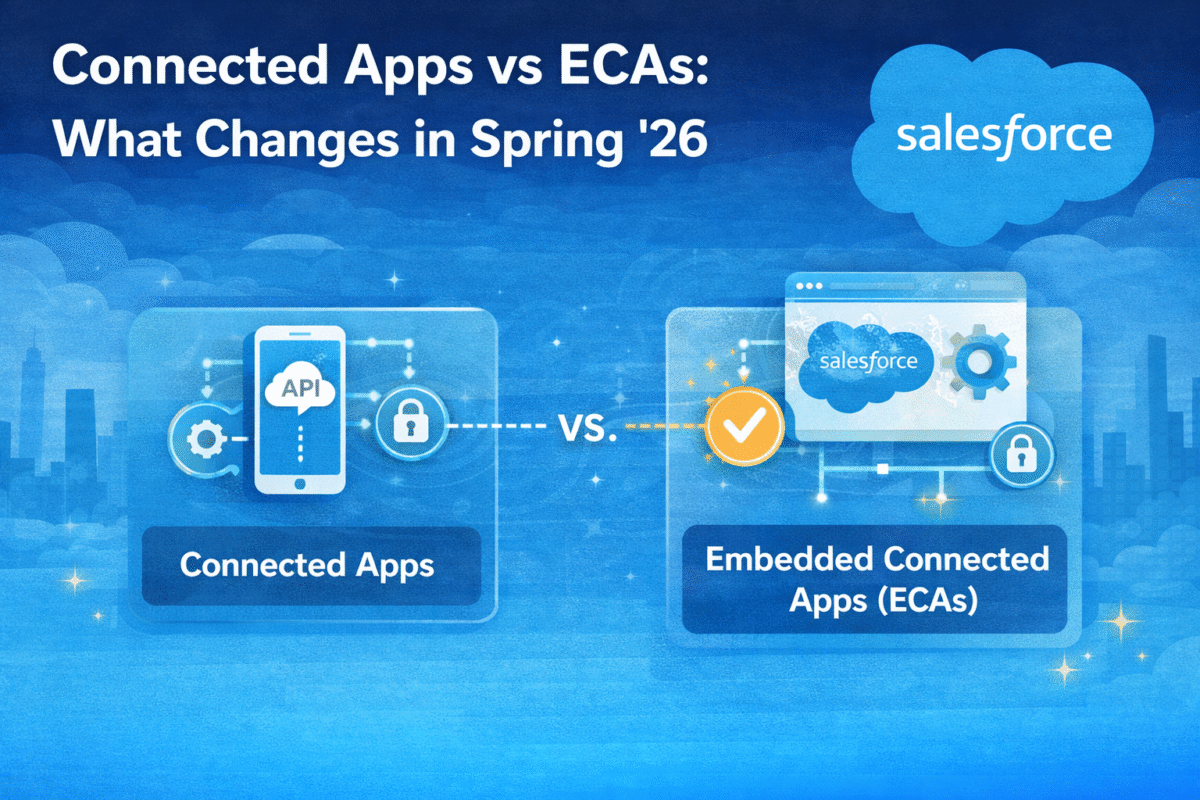
Every Salesforce org that has ever integrated with an external system has a Connected App. OAuth flows, JWT authentication, MuleSoft connections, data loader configurations, third-party ISV tools all of them were built on Connected Apps. Starting with Spring ’26, Salesforce disabled the creation of new Connected Apps by default across all orgs. If you need a new one, you now need to file a Support request and Salesforce has been explicit that this option will eventually disappear entirely. The migration is not optional. It is a question of when, not whether.
The Timeline You Need to Know
| Key Timeline | Changes |
| Winter ’26 | Connected App creation via the UI disabled by default in new orgs unless admin manually enabled it. Existing orgs unaffected at this stage. |
| Spring ’26 (Now Live) | Connected App creation disabled by default across ALL orgs – new and existing. Creating a new Connected App now requires a Salesforce Support request. Session IDs removed from outbound messages (Feb 16, 2026 already enforced) |
| Feb 16, 2026 | Session IDs in outbound messages already retired. Any integration that was passing session IDs through outbound messaging is now broken. OAuth is mandatory for outbound message authentication. |
| 2027–2029 | Certificate rotation windows tightening. TLS and SAML certificates moving toward 47-day maximum rotation cycles by 2029. Triple DES for SAML already retired in Spring ’26. |
| Future (TBA) | Connected App creation Support request option will be removed entirely. End of Support date not yet announced but Salesforce has been explicit this is the direction. |
What External Client Apps Actually Are – Technically
External Client Apps (ECAs) are not a renamed Connected App. They are a fundamentally different integration model built on Second Generation Packaging (2GP) rather than the legacy packaging model that Connected Apps use. That architectural difference is what drives most of the behavioral differences between the two.
| Connected App | External Client App |
| First Generation Packaging (1GP) – limited metadata API control | Second Generation Packaging (2GP) – full metadata API control, cleaner distribution |
| Available by default – any user with API access could self-authorize | Not available by default – requires admin installation and explicit authorization |
| Copied automatically when sandbox is cloned | Only copied if packaged – prevents unintentional credential propagation across sandboxes |
| Supports Canvas App exposure and push notifications | Canvas App and push notifications not yet supported (gap Salesforce is closing) |
| Supports more OAuth flows including implicit and password (not recommended) | Supports OAuth 2.0 flows – implicit and password flows removed by design |
| Keys and secrets stored directly on the app – no separate global settings | OAuth settings stored separately in global settings – keys and secrets managed independently |
| No 2GP packaging support – cannot be distributed as a managed package cleanly | Full 2GP support – first-class citizen in Salesforce’s modern packaging model |
The security improvement is intentional and material. Connected Apps created by external parties could be self-authorized by any API-enabled user this is the vector that phishing and vishing attacks have exploited. ECAs require admin installation, which eliminates that attack surface entirely. The tighter defaults are not a limitation they are the point.
ECAs do not restrict what you can build. They restrict who can authorize connections without admin oversight. That is the security improvement Salesforce has been building toward for three years.
The OAuth Flows – What Changed and What Did Not
The most technically impactful difference for developers is the OAuth flow support matrix. External Client Apps do not support the implicit flow or the username/password flow. Both were already considered bad practice, but orgs that still had legacy integrations using them will need to migrate those authentication patterns before migrating the Connected App itself.
// OAuth flows — ECA support status
Authorization Code Flow          ✓ Supported  (standard user-facing OAuth)
JWT Bearer Flow                  ✓ Supported  (server-to-server, recommended)
Client Credentials Flow          ✓ Supported  (machine-to-machine)
PKCE Extension                   ✓ Supported  (public clients, mobile apps)
Device Authorization Flow        ✓ Supported  (IoT, CLI tools)
Implicit Flow                    ✗ Removed   (deprecated, insecure by design)
Username / Password Flow         ✗ Removed   (deprecated, credentials exposed)
Step by Step Migration
1. Audit every Connected App in your org
Go to Setup → Connected Apps OAuth Usage. Export the list. Note which apps are actively authorized (have active user sessions), which OAuth flow each uses, and whether they are managed by your team or by a third-party ISV. This inventory is the foundation you cannot prioritize migration without knowing what you have.
2. Identify which apps are ISV-managed vs. org-owned
Apps created by ISVs on external orgs and installed into your org follow a different migration path. You cannot migrate an ISV’s Connected App yourself you need the ISV to publish an ECA version of their product and migrate you to it. Contact your ISV vendors now. The ones that are slow to respond are the ones whose products will break when Connected App creation becomes impossible.
3. Use Salesforce’s built-in migration tool for org-owned apps
For Connected Apps you own and manage, Salesforce has released a native migration path: Setup → App Manager → select your Connected App → Migrate to External Client App. This creates an ECA with the same OAuth settings and client credentials. Validate in sandbox first redirect URIs, token behavior, and permission sets all need verification before migrating production.
4. Update sandbox cloning procedures
Connected Apps are copied automatically when you clone a sandbox. ECAs are not they are only copied if packaged. This behavioral difference means your sandbox refresh process needs to include an explicit step to configure ECAs in the new sandbox environment. Update your DevOps runbooks before this catches you in a production deployment.
5. Update your outbound message authentication to OAuth
If this was not done before February 16 the date session IDs were removed your outbound messages are already failing. The fix is to configure Named Credentials for outbound message authentication and update your workflow rules or flows to use OAuth-based authentication instead of session ID passthrough.
6. Build a certificate rotation process before the 2029 deadline
TLS and SAML certificate maximum validity is moving to 47 days by 2029. Annual certificate management the current default in most orgs will be non-compliant. The time to build an automated certificate rotation process is now, while 2029 still feels distant. Orgs that wait until the deadline are the ones that have production incidents on the deadline date.
The migration window is open. The question is whether you start it now or react to it later.
Connected Apps will not vanish from your org overnight. But Salesforce has shut the door on creating new ones, and the direction toward end of support is clearly stated. The organizations that audit their Connected App inventory now, identify ISV dependencies, and begin phased migration to External Client Apps are the ones that absorb this change on their own timeline rather than on Salesforce’s. The ones that wait will migrate in a hurry and hurried integration migrations are where production incidents happen.