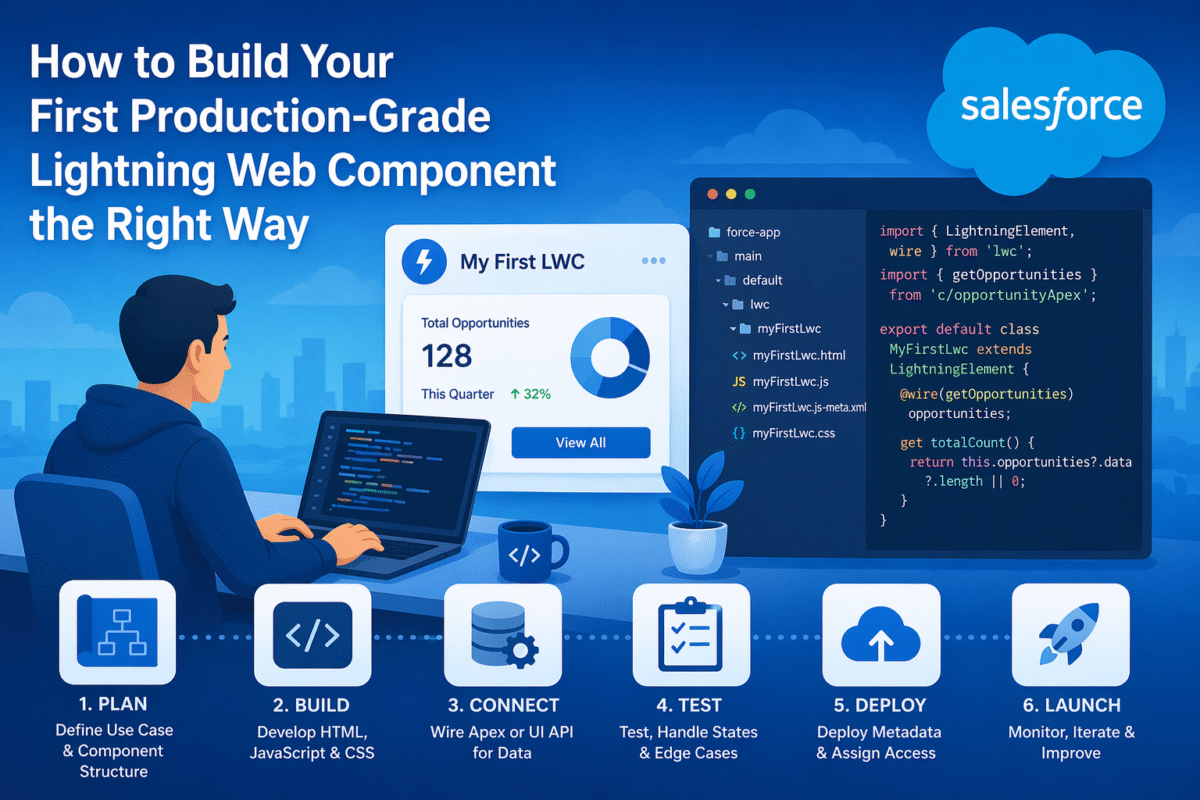
Lightning Web Components are the standard for modern Salesforce UI development. Built on native web standards, custom elements, shadow DOM, ECMAScript modules they are faster than Aura components and more maintainable than Visualforce. This guide walks through building a real, production-ready LWC from file structure to deployed component, covering every pattern you need for serious development work.
The File Structure Every LWC Developer Needs to Understand
Every LWC component lives in its own folder. The folder name is the component name. Three files are required for any functional component – HTML template, JavaScript controller, and metadata XML. Additional files for styles, tests, and documentation are added as needed.
The HTML Template – Reactive Bindings and Conditional Rendering
accountCard.html
<template>
    <!-- Conditional rendering - only shows when account is loaded -->
    <template lwc:if={account}>
        <lightning-card title={account.Name} icon-name="standard:account">
            <div class="slds-p-around_medium">
                <p>Industry: {account.Industry}</p>
                <p>Phone: {account.Phone}</p>
                <p>Annual Revenue: {formattedRevenue}</p>

                <!-- Iterate contacts -->
                <template for:each={contacts} for:item="contact">
                    <c-contact-row
                        key={contact.Id}
                        contact={contact}
                        oncontactselected={handleContactSelected}>
                    </c-contact-row>
                </template>
            </div>
        </lightning-card>
    </template>

    <!-- Error state -->
    <template lwc:elseif={error}>
        <p class="slds-text-color_error">{error}</p>
    </template>

    <!-- Loading state -->
    <template lwc:else>
        <lightning-spinner></lightning-spinner>
    </template>
</template>
The JavaScript Controller – Wire Service, Properties, and Event Handling
accountCard.js
import { LightningElement, api, wire, track } from 'lwc';
import { getRecord, getFieldValue } from 'lightning/uiRecordApi';
import { ShowToastEvent } from 'lightning/platformShowToastEvent';
import getAccountContacts from '@salesforce/apex/AccountController.getContacts';
import NAME_FIELD from '@salesforce/schema/Account.Name';
import INDUSTRY_FIELD from '@salesforce/schema/Account.Industry';
import PHONE_FIELD from '@salesforce/schema/Account.Phone';
import REVENUE_FIELD from '@salesforce/schema/Account.AnnualRevenue';

const FIELDS = [NAME_FIELD, INDUSTRY_FIELD, PHONE_FIELD, REVENUE_FIELD];

export default class AccountCard extends LightningElement {
    // @api - public property, can be set by parent component
    @api recordId;

    // @track - private reactive state (array/object deep changes)
    @track contacts = [];

    error;

    // Wire service - auto-fetches data reactively when recordId changes
    @wire(getRecord, { recordId: '$recordId', fields: FIELDS })
    wiredAccount({ data, error }) {
        if (data) {
            this.account = {
                Name: getFieldValue(data, NAME_FIELD),
                Industry: getFieldValue(data, INDUSTRY_FIELD),
                Phone: getFieldValue(data, PHONE_FIELD),
                AnnualRevenue: getFieldValue(data, REVENUE_FIELD)
            };
            this.error = undefined;
        } else if (error) {
            this.error = error.body?.message || 'Failed to load account';
            this.account = undefined;
        }
    }

    // Wire to Apex - reactive, cached
    @wire(getAccountContacts, { accountId: '$recordId' })
    wiredContacts({ data, error }) {
        if (data) this.contacts = data;
        else if (error) console.error(error);
    }

    // Getter - derived value, no getter clutter for display logic
    get formattedRevenue() {
        if (!this.account?.AnnualRevenue) return 'N/A';
        return new Intl.NumberFormat('en-US', {
            style: 'currency', currency: 'USD', maximumFractionDigits: 0
        }).format(this.account.AnnualRevenue);
    }

    // Handle event from child component
    handleContactSelected(event) {
        const contactId = event.detail.contactId;
        this.dispatchEvent(new ShowToastEvent({
            title: 'Contact Selected',
            message: `Contact ${contactId} selected`,
            variant: 'success'
        }));
    }
}
The Metadata XML – Targets and Visibility
accountCard.js-meta.xml
<?xml version="1.0" encoding="UTF-8"?>
<LightningComponentBundle xmlns="http://soap.sforce.com/2006/04/metadata">
    <apiVersion>63.0</apiVersion>
    <isExposed>true</isExposed>
    <targets>
        <!-- Where this component can be placed -->
        <target>lightning__RecordPage</target>
        <target>lightning__AppPage</target>
    </targets>
    <targetConfigs>
        <targetConfig targets="lightning__RecordPage">
            <!-- Expose recordId as a configurable property -->
            <property name="recordId" type="String" />
        </targetConfig>
    </targetConfigs>
</LightningComponentBundle>
Parent-Child Communication – Events and Properties
The rule: Parent passes data down to child via @api properties. Child communicates up to parent by dispatching custom events. Never communicate sideways between sibling components – use a shared parent or a message channel.
contactRow.js - child component fires custom event
import { LightningElement, api } from 'lwc';

export default class ContactRow extends LightningElement {
    @api contact; // Received from parent

    handleSelect() {
        // Fire event upward - parent listens with oncontactselected
        this.dispatchEvent(new CustomEvent('contactselected', {
            detail: { contactId: this.contact.Id },
            bubbles: true  // bubble through shadow DOM if needed
        }));
    }
}
Always test your component in isolation. Use @salesforce/jest-config with lwc-jest to unit test components without deploying. Testing wire adapters, event dispatching, and conditional rendering in Jest catches issues before they reach sandbox.
Custom LWC Components Built by Hokoriam
Our team has built custom Lightning Web Components across distributor portals, B2B commerce storefronts, service consoles, and internal operations dashboards. From simple record cards to complex multi-step flows if your org needs bespoke UI that standard components cannot deliver, that is what we build.